Laser Cutting/Etching Service
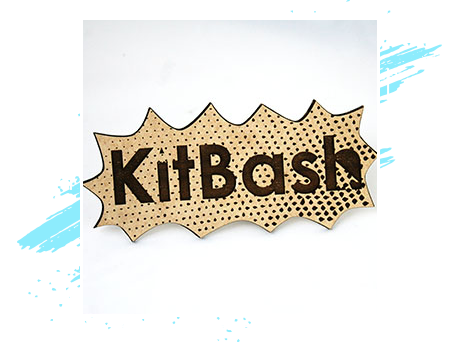
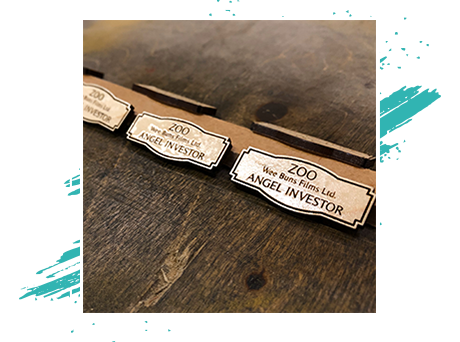
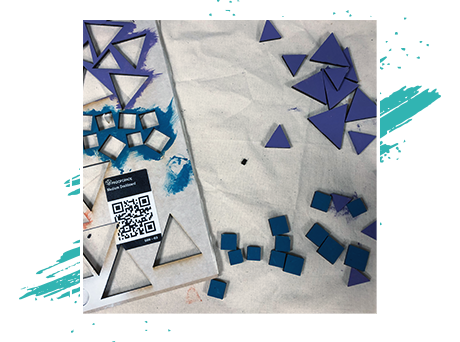
We run an xTool P2S — a 55W CO2 laser cutter. CO2 power means it cuts thick stock cleanly and works with every colour of acrylic, not just the darker shades a diode laser is limited to. It’s equally at home etching logos and fine graphics onto small items. SVG is the preferred file type; JPEGs work for engraving. Need help preparing artwork? Get in touch.
Pricing
We use a rate of £20/hour + material cost for our Laser Cutting service.
How long will my print take?
Laser cutting is a quick process depending on the complexity of the design. Most single-run designs can be achieved within an hour.
What materials can you use?
Due to the made-to-order nature of our work we stock a very limited supply of materials, so please engage us with your idea as soon as you can to give time to order laser-safe materials to suit your needs. We are also happy to discuss engraving or cutting materials that you have sourced yourself on a case by case basis.
Natural materials, in general, are laser safe (e.g. wood, cork, paper). Some synthetic materials cannot be used because they will emit toxic gas or melt rather than disintegrate.
We Cannot Cut Metal
We receive many requests for this but it is something we sadly cannot provide. Lasers that are powerful enough to cut through metals are rarely found outside of industrial manufacturing due to cost. We’re sorry for the inconvenience, we wish we could do it too!
Cutting & Etching
- Wood (18mm max)
- Cardboard
- Rubber
- Fabric
- Cork
- Leather
- Paper
- Mylar
- Acrylic/Perspex
Etching Only
- Glass
- Ceramic Tiles
- Marble
- Coated/Anodised Metals
- Stone
- Corian
Laser Cutting/Engraving Design Consideration
Designing a vector graphic for the laser requires cuts and etches to be on different layers. Elements that require different levels of etching should also be grouped separately. We are happy to advise you on any questions you have.

Material Size
Our laser has a work area of 600 × 305mm, far larger than most desktop CO2 machines. With the riser base it takes material up to roughly 215mm tall, and the auto-passthrough lets us run long stock — up to around 3 metres — through the machine. Thicker materials need extra setup time.

Colour/Contrast
If you are laser engraving a complex image, there may be some trial and error here. The laser will interpret only in black and white. Dark colours are burned more heavily and light colours less heavily. The affect of this will vary from material to material. Test runs should be considered.
Are You Ready To Laser Your Design?
Pros and Cons of Laser Cutting/Etching
Pros
- Cuts very fine details
- Can engrave/etch complete images
- Quick turnaround
- If you design with vectors there is very little conversion to get laser-ready
Cons
- Leaves a burnt edge on the material
- Can’t cut metal